
The challenge
Closing the gap between design in Figma and frontend engineering at a fast-growing startup: one consistent system that would speed up time-to-market without holding the product back.
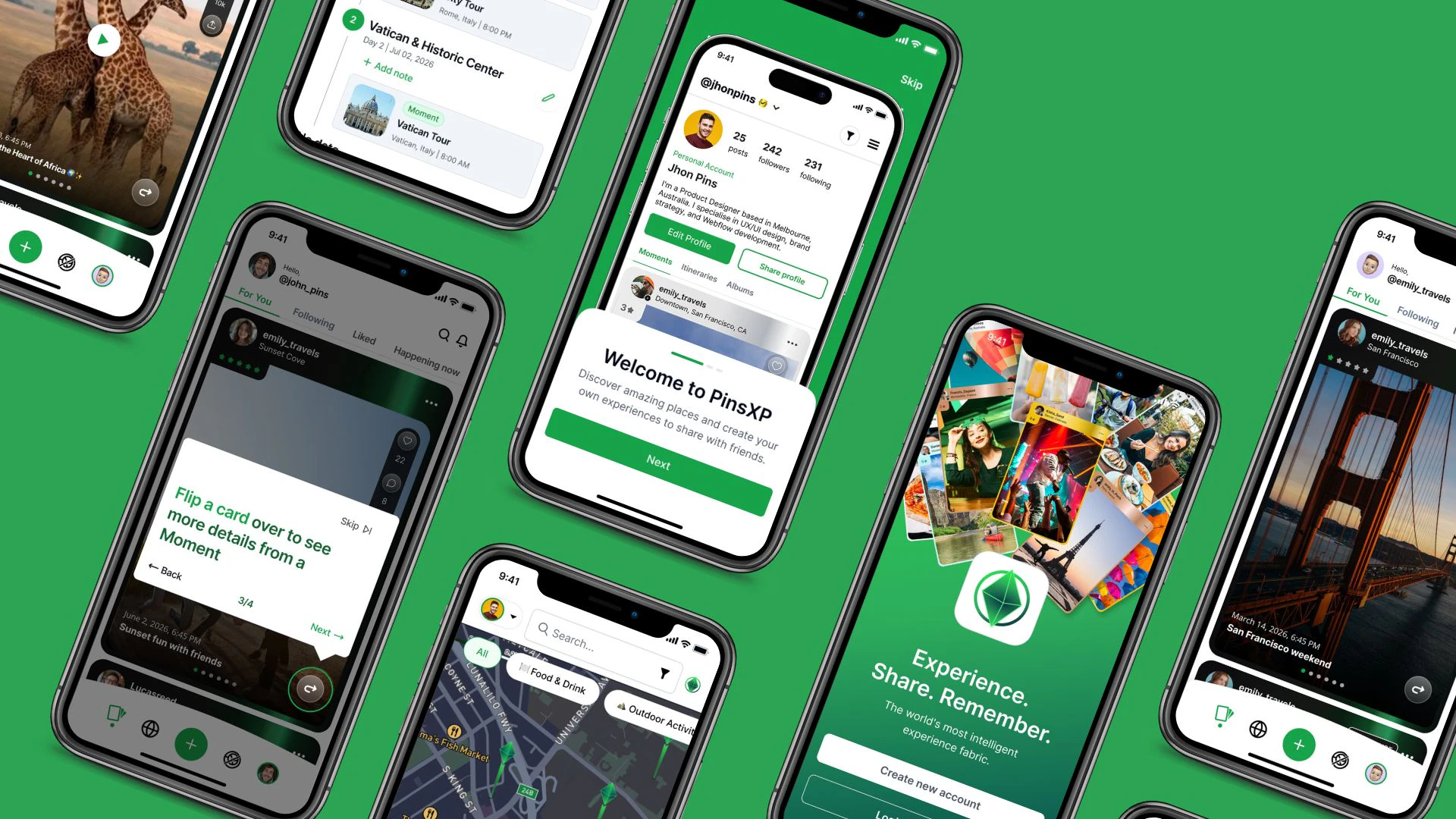
On PinsXP, people save their favourite places, build travel itineraries or plans, and share moments with groups of friends. The startup was growing fast, and that opened a widening gap between the design team in Figma and the frontend engineers that slowed down time-to-market.
The problem
Visual inconsistencies
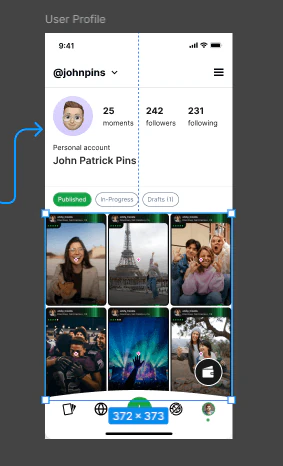
Saved-place cards, group creation and plan lists were solved in a different way on every screen.Duplicated components
The lack of standards multiplied the variants of the same component and slowed down the creation of new flows.Handoff friction
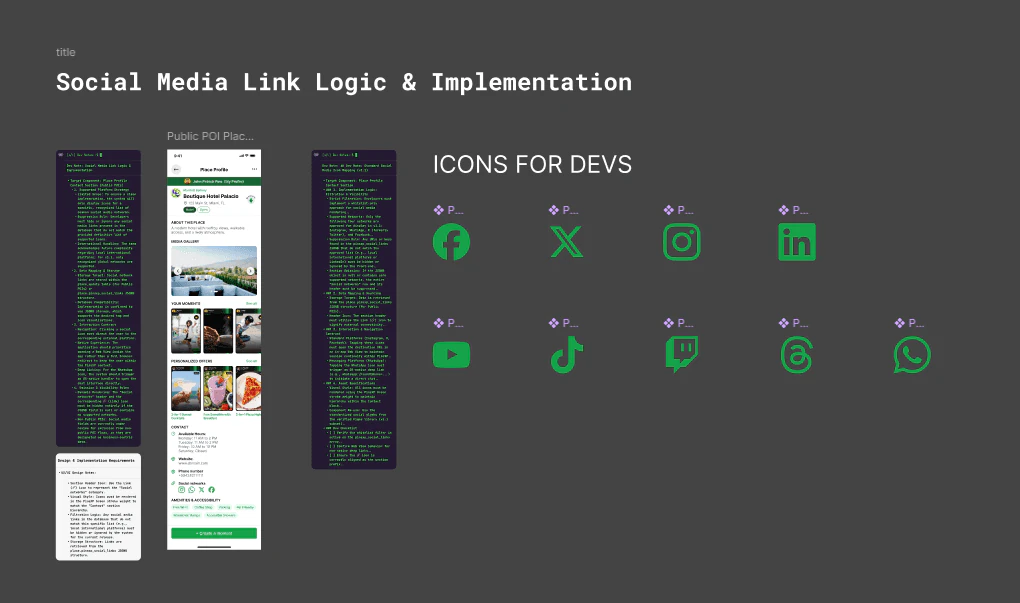
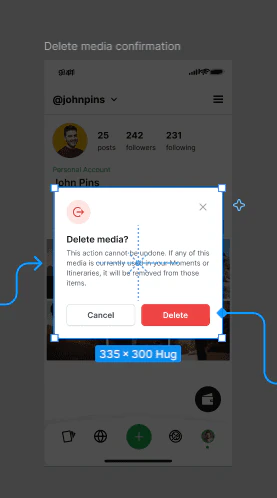
Delivering complex interface flows, such as empty states or switching between light and dark mode, took up too much operational time.
End-to-end methodology
I approached the project with a systematic methodology, split into three key phases.
Audit and discovery
A thorough map of the existing components and of the friction points in the handoff between design and development.Token architecture
A clean hierarchy of advanced variables in Figma, with primitive and semantic tokens, to support multi-platform scalability.AI and advanced workflows
I brought in Claude Code and the Figma MCP protocol (Model Context Protocol) to automate the sync of technical specs, validate tokens in real time and speed up the translation of visual elements into clean code.
The solution: Compass
I designed the strategy and architecture of a design system built to grow with the product.
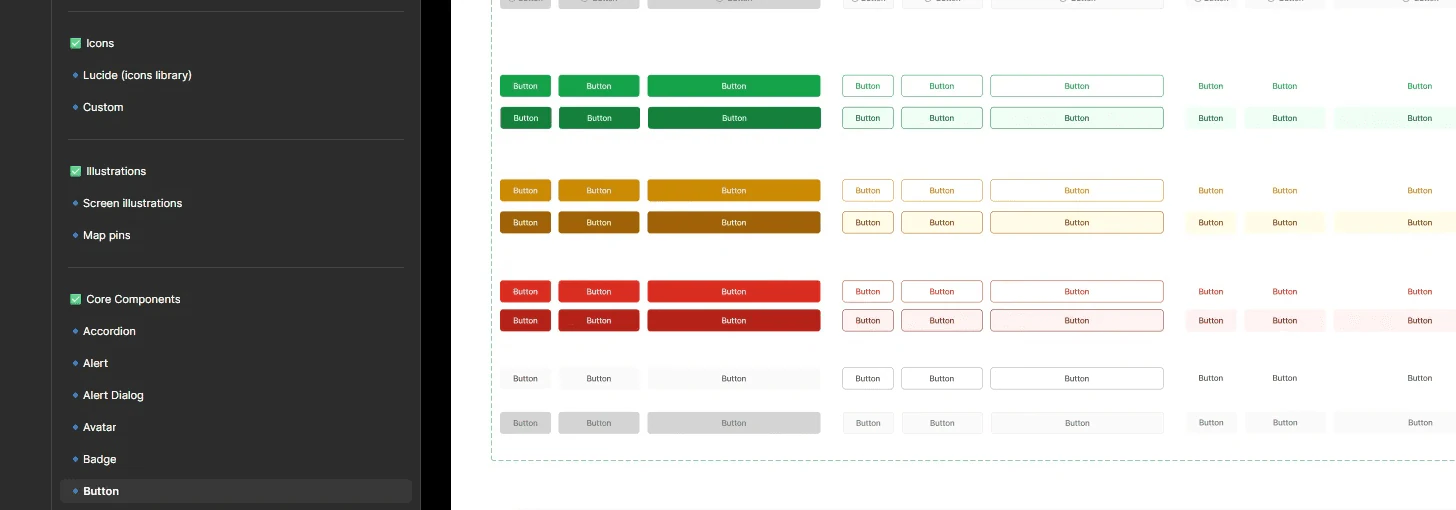
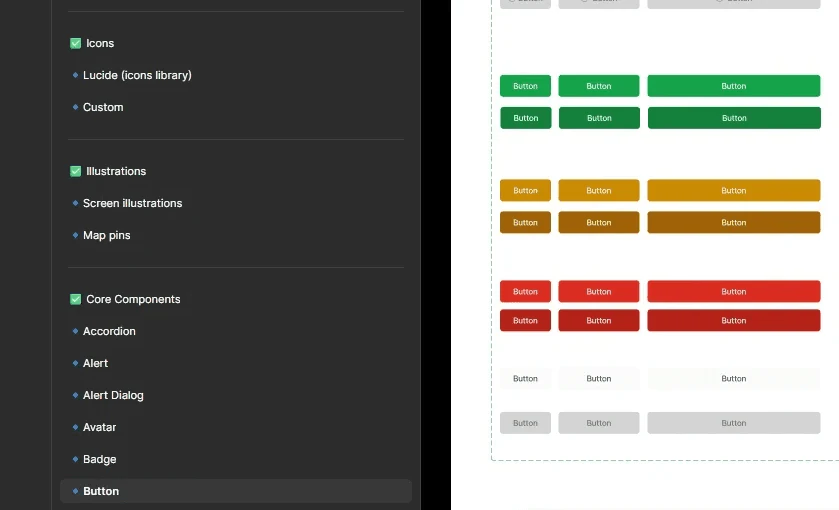
I named it Compass because it works like one: it points design and engineering in the same direction, so saving, sharing and discovering places always keeps the same visual and usability rhythm.
Structure in Figma
Highly modular components built on Auto Layout, advanced component properties and semantic variables.Accessibility and scalability
Accessibility standards (WCAG) from the root of the system, with inclusive, production-ready components.
Connecting design and code with Figma MCP and Claude Code
- AI-assisted workflows that automate the token consistency review.
- Less ambiguity in the technical documentation: engineering consumes guidelines and structures synced straight from the design ecosystem.
Results and impact
COMPASS · PinsXP Design System
Figma Properties Panel
Primitives
primitives308 variablesThe raw palette of fixed values (colors, scales, and measurements) that serve as the unalterable foundation of the system.
primary colors / base
| Name | Value |
|---|---|
| white | #FFFFFF |
| black | #171717 |
| transparent | #FFFFFF20% opacity |
| overlay | #00000080% opacity |
primary colors / dark cyan lime green
- 50#F0FDF5
- 100#DCFCE8
- 200#BBF7D1
- 300#86EFAD
- 400#4ADE81
- 500#22C55E
- 600#16A34A
- 700#15803C
- 800#166533
- 900#14532B
- 950#052E14
primary colors / gray blue
- 50#F8FAFC
- 100#F1F5F9
- 200#CBD5E1
- 300#94A3B8
- 400#7588A2
- 500#64748B
- 600#4A5565
- 700#334155
- 800#1E293B
- 900#0F172A
- 950#030712
More groups
- spacing 35
- width 33
- radius 10
- opacity 21
- blur 8
- font 47
Semantics
semantics232 variablesThe logical layer assigning a functional purpose to each value (e.g., backgrounds, text, borders, or states), enabling clean, automated management between Light Mode and Dark Mode without breaking visual consistency.
| Name | Light mode | Dark mode |
|---|---|---|
| colors / brand | ||
| primary | dark cyan lime green/600 #16A34A | dark cyan lime green/600 #16A34A |
| secondary | dark cyan lime green/800 #166533 | dark cyan lime green/800 #166533 |
| tertiary | dark cyan lime green/300 #86EFAD | dark cyan lime green/300 #86EFAD |
| colors / background | ||
| primary | base/white #FFFFFF | base/black #171717 |
| secondary | dark cyan lime green/100 #DCFCE8 | dark cyan lime green/100 #DCFCE8 |
| tertiary | gray blue/100 #F1F5F9 | gray blue/100 #F1F5F9 |
| input | base/white #FFFFFF | base/black #171717 |
| overlay | base/overlay #000000 | base/overlay #000000 |
| colors / background / status | ||
| error | error/50 #FEF2F2 | error/950 #55160C |
| success | success/50 #F0FDF4 | success/950 #052E16 |
| info | blue/50 #ECFAFF | blue/950 #083344 |
| colors / text | ||
| primary | gray blue/950 #030712 | base/white #FFFFFF |
| secondary | dark cyan lime green/800 #166533 | dark cyan lime green/600 #16A34A |
| body | gray blue/600 #4A5565 | gray black/100 #F5F5F5 |
| placeholder | gray black/500 #737373 | gray black/400 #A3A3A3 |
| colors / border | ||
| default | gray black/600 #525252 | gray black/600 #525252 |
| separator | gray black/200 #E5E5E5 | gray black/800 #262626 |
Delivery speed
Implementation times for new views and components dropped noticeably thanks to the handoff automated with Claude Code and the MCP.Visual consistency
Over 80% of the design debt was eliminated, and the user experience is now unified across the whole PinsXP platform.Sustained scalability
A system ready to grow with the startup’s future requirements without compromising the quality of the interface.
Next steps
Bringing Compass to the web (desktop and responsive)
As PinsXP grows, people need to manage their itineraries and shared collections more comfortably on large screens. The challenge: turning the mobile ecosystem into a robust, responsive web experience.
Grid and breakpoints
A new layer of web components in Figma with flexible grids, clear breakpoints and information densities designed for desktop, while keeping visual parity with the app.Web-ready components
Inspired by shadcn/ui: itinerary tables, group dropdowns, nested modals and side navigation that feel native on both web and mobile.Brand consistency
The same compass philosophy, so remembering and sharing moments feels just as smooth on a phone as on a computer.